Smartphone accessibility for blind people: features and funding checks
Smartphones: From a blind person’s perspective
By Phillip Chalker · Originally published 21 March 2018
Original article
Phillip Chalker is passionate about technology and its many benefits. For more from Phillip, check out his Gippsland All Abilities Social Group on Clickability.
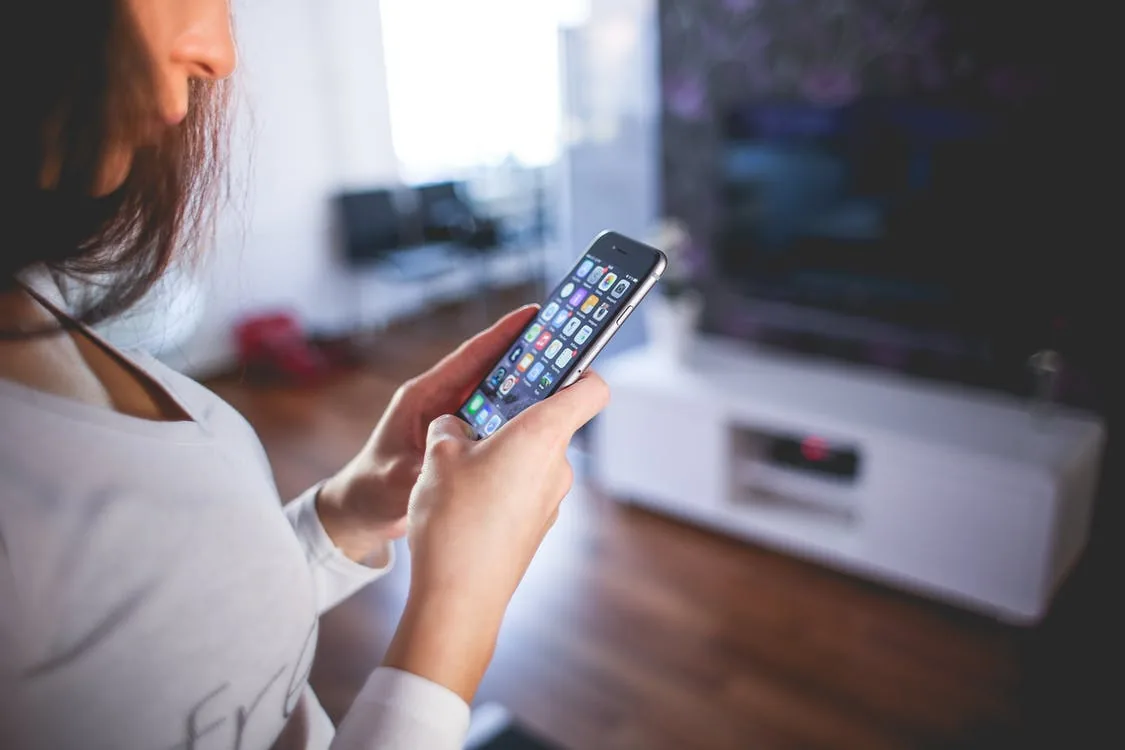
Since the arrival of the smartphone, the lives of blind and vision-impaired people have changed for the better. For instance, my iPhone comes with voiceover right out of the box. All you need to do is let your fingers do the walking, and your phone does the talking.
People who are blind or vision impaired might say a smartphone is expensive, but if you add up the price of all the apps that a smartphone comes with, you would be amazed at how much money you can save compared to buying these as individual devices.
How hard is it to carry everything you need while worrying about your devices being misplaced or stolen? Want to make it easier on yourself when studying or going to work? Then carry one device like a smartphone or tablet. You have so many devices in one: talking calculator, calendar and GPS; voice-activated alarm clock, timer and organiser, along with other third party accessible apps.
Smartphones now come with personal assistants, such as Apple’s Siri or the Google Assistant, who can help you do a variety of tasks, such as launching apps, timing your meals, setting alarms, reminding you of your next doctor’s appointment or when to take your medication, and more. These reminders can be set manually or with the help of your assistant. They can also assist with other tasks, such as posting on Facebook or Twitter. However, these assistants do not work without an internet connection.
I have an iPhone, so I’m going to be talking about that product specifically, but there are many others out there that you could research. But quickly, what difference has my iPhone made in my life?
[Clickability update, October 2026:
Treat the named apps and prices as historical examples. Apple’s current VoiceOver guidance explains recognition features and cautions against relying on them for high-risk situations, navigation or medical diagnosis or treatment. Confirm medication using an appropriate accessible system agreed with a pharmacist or clinician.
]
How does my iPhone help me?
As a community music worker who deals with people’s money, my smartphone helps me ensure I’m paid correctly after my workshops. To check whether I get the right money I use an iPhone app named NantMobile Money Reader (free app). This app also makes it easy to identify the notes in your wallet or the change you get when shopping.
The voice memo app helps me easily add people to my contacts and transfer them onto my computer when I get home. You can even use voice memos to record lectures or important meetings and listen to them again later. I also use my smartphone to tune my guitar or Ukulele with an app named Talking Tuner by HotPaw Productions ($1.49), and I can film or take photos for promotional or marketing material on my phone.
When shopping, do you ever try to explain to the shopping centre staff what product you are after and they have no clue what you’re talking about? Well, why not try the iPhone app LookTel Recogniser ($9.99)? Simply take a photo of the product, and show the staff what you’re looking for. This app is also good if you want to recognise the food or products in your cupboard. Just wave it around and it reads the names of products out loud. For example, I photograph my seeing eye dog’s Frontline flea treatment. You can also use your smartphone to determine the colours of clothing or to check you’re taking the correct medication.
Braille devices such as BrailleNote or BrailleEdge can also be synced with smartphones, allowing users to update their calendars, check their mail, and perform other actions. Flatbed scanners are also a thing of the past as there are apps such as KNFB reader ($99) that convert printed and written text into speech which can be used in schools or work situations. There are also a lot of free or cheap apps that do other tasks such as magnifying text and pictures on CD covers or DVD covers, read recipes and receipts, or books and newspapers. There are many other useful apps in the accessibility settings on smartphones. You can also listen to audio books or podcasts while on the go on your smartphone.
Owning an iPhone also allows people to listen to Audiobooks and podcasts, while Apple iTunes gives me the opportunity to store all my music, games, movies and more in one area on my phone. I don’t need to worry about music which has been purchased from a retail store getting scratched or damaged. Everything is quick and easy to access.
[Clickability update, October 2026:
A Centrelink advance brings forward eligible payments and reduces later instalments. Eligibility and repeat availability vary; it is not free equipment funding or automatic approval. Consider the effect on your regular budget.
]
What if I can’t afford a smartphone?
If you don’t have the money to buy a smartphone on your own, Centrelink can provide an Advance Payment, which is a loan that is paid back through deductions from your Centrelink payments over about 6 months. Once the loan is repaid, you may apply for another. This is a great way to help you get equipment that you need. Check it out here.
Clickability editorial update: October 2026
Try the task before choosing the phone
Test calls, messages, the screen reader and any specialist app you rely on. Check the actual device and operating-system combination, app subscriptions, privacy and what works without data. Ask for training that fits your preferred pace rather than choosing a phone solely from someone else’s experience.
Separate access requirements from the purchase pathway
Record the task the person needs to perform and whether specialist support or an ordinary phone feature meets it. A standard phone is not automatically an NDIS support. The replacement-support pathway requires approval for eligible substitutions before purchase; an app’s accessibility does not itself approve the device. Keep Centrelink advances separate from NDIS funding discussions.
Questions readers ask
Can I rely on image recognition to identify medicines?
Do not use it as the sole safety check. Arrange an appropriate accessible medication system with a health professional. Official guidance
Is a Centrelink advance extra funding?
No. It brings forward payments and is repaid through deductions, subject to eligibility. Official guidance
Find support for learning an accessible routine
Use Clickability to describe the practical help you need with everyday tasks and compare providers who will work with your preferred technology.